What is PayMaya?
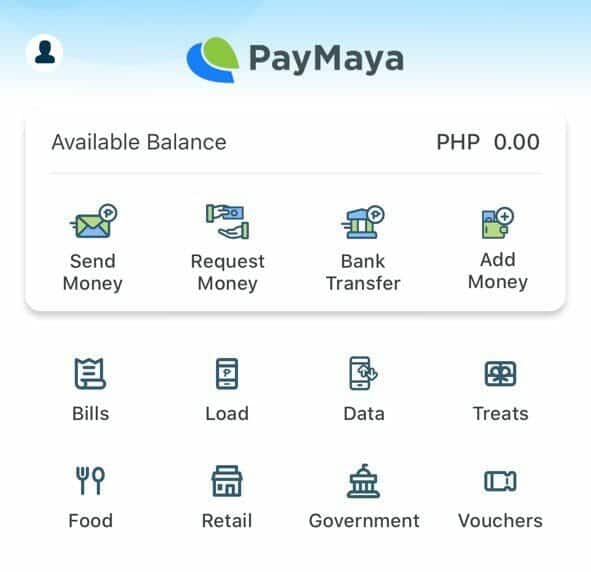
PayMaya gives you a sense of a virtual prepaid card you can use to shop online, book flights and more. It also serves as an electronic wallet (e-wallet) wherein you can pay bills, send money, and more. It’s easy and convenient!
How to add money in PayMaya?
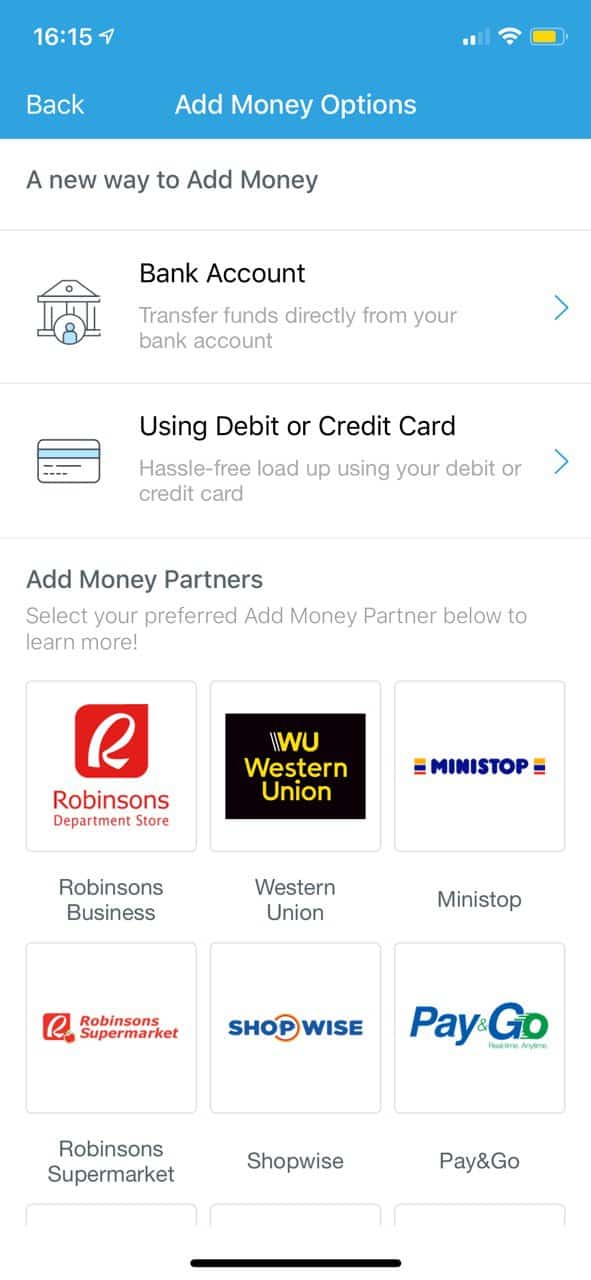
You can add money to your PayMaya with more than 40,000 partners such as 7-Eleven, Palawan Pawnshop, Smart Padala Centers, SM Stores Business Services and Robinsons Department Store Business Centers. You can also add through Bank and Debit/Credit card.
Where to get PayMaya app?
Here are the download links for your specific mobile phone:
How to create an account?
- Once you’ve downloaded the app, fill-up the form
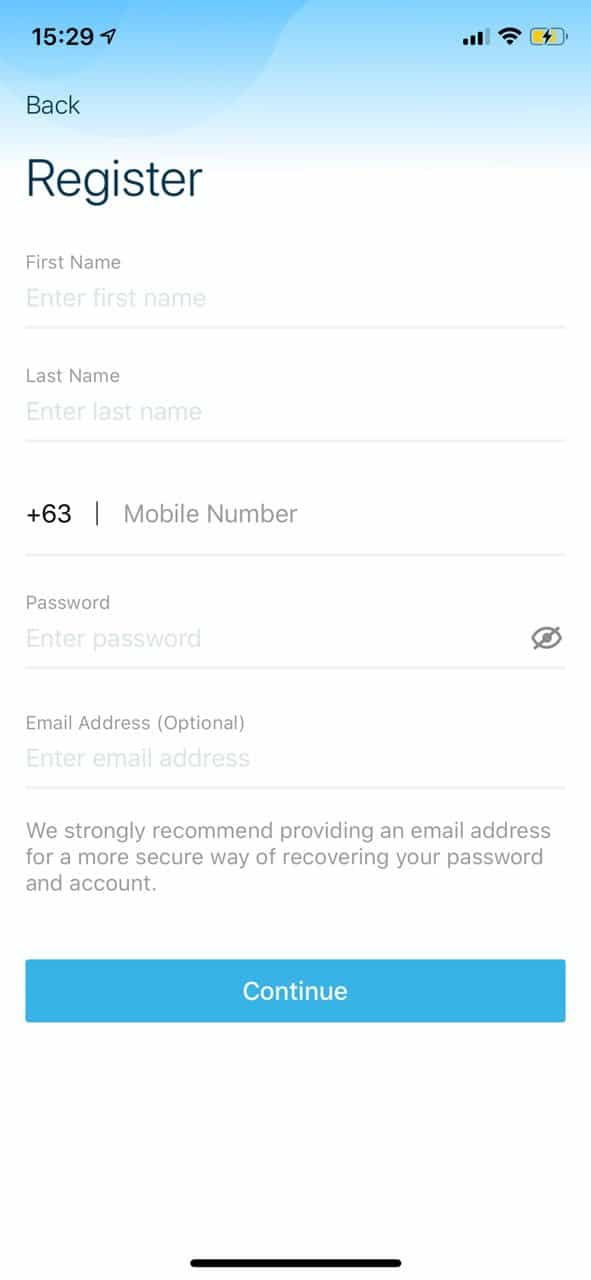
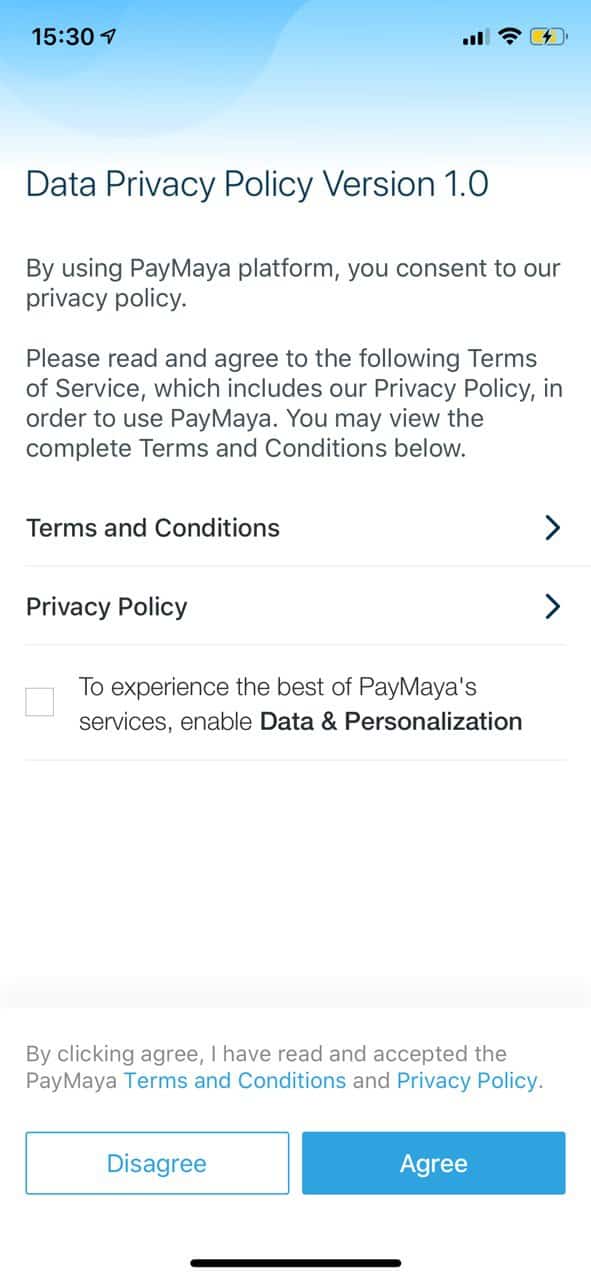
- Read the Data Privacy Policy page and tap the Agree button.
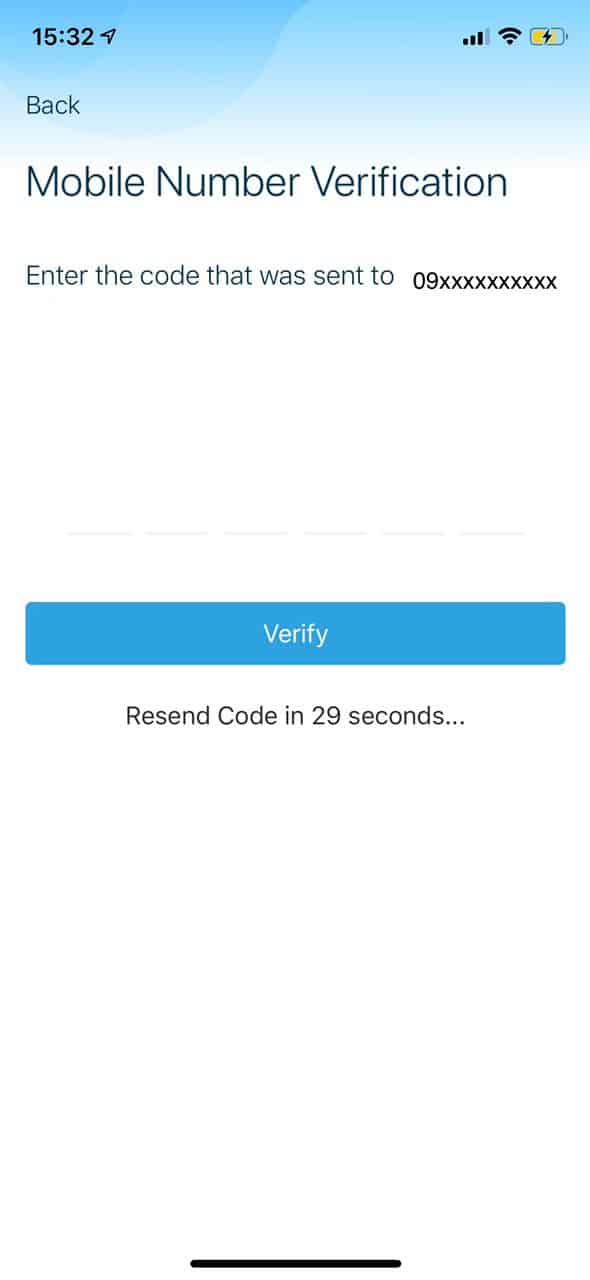
- PayMaya will send you a verification number via SMS. Enter that number in the app and tap “Verify.”
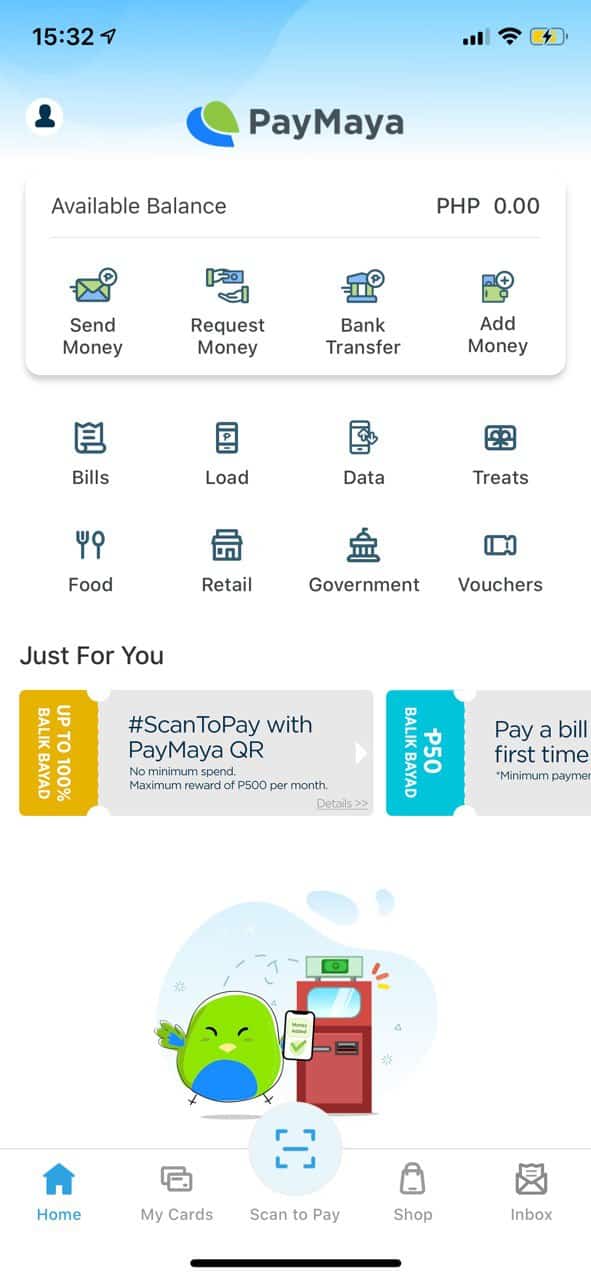
- And you’re done. You now have your PayMaya wallet.
 How to activate my account?
You’ll have yo upgrade your account in order to enjoy the app! Just follow the steps and wait for your account to be verified.
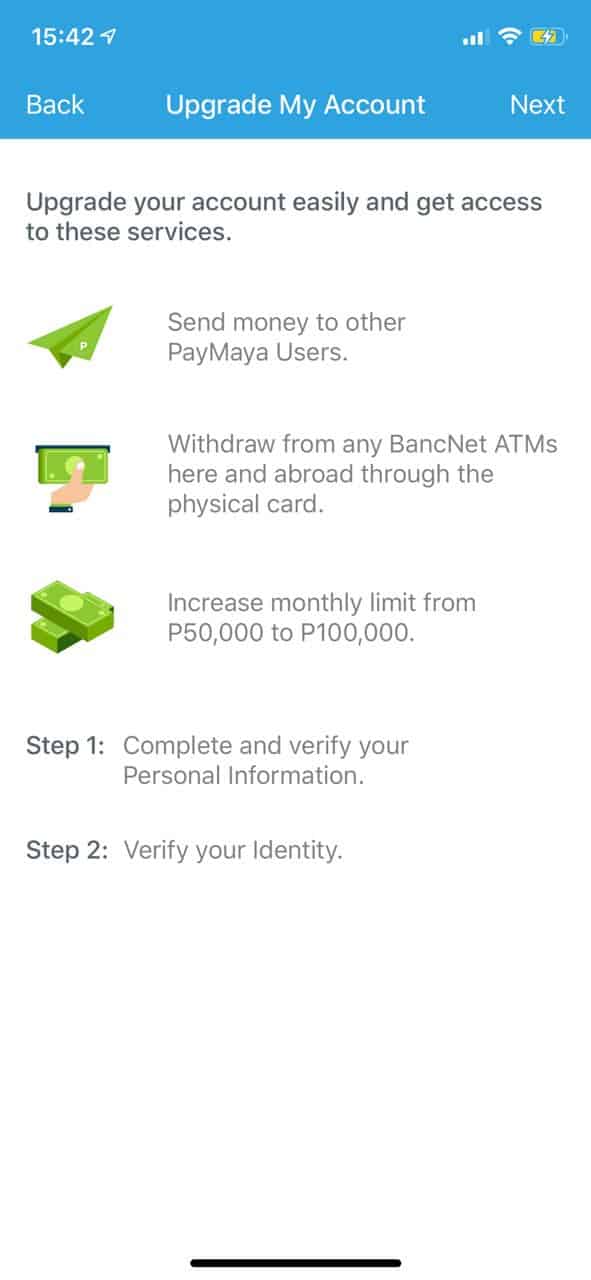
Follow these steps to upgrade/activate your PayMaya wallet:
- Click on My Cards beside the QR code scanner, you will be directed to the Upgrade My Account page. Be sure to check the details carefully.
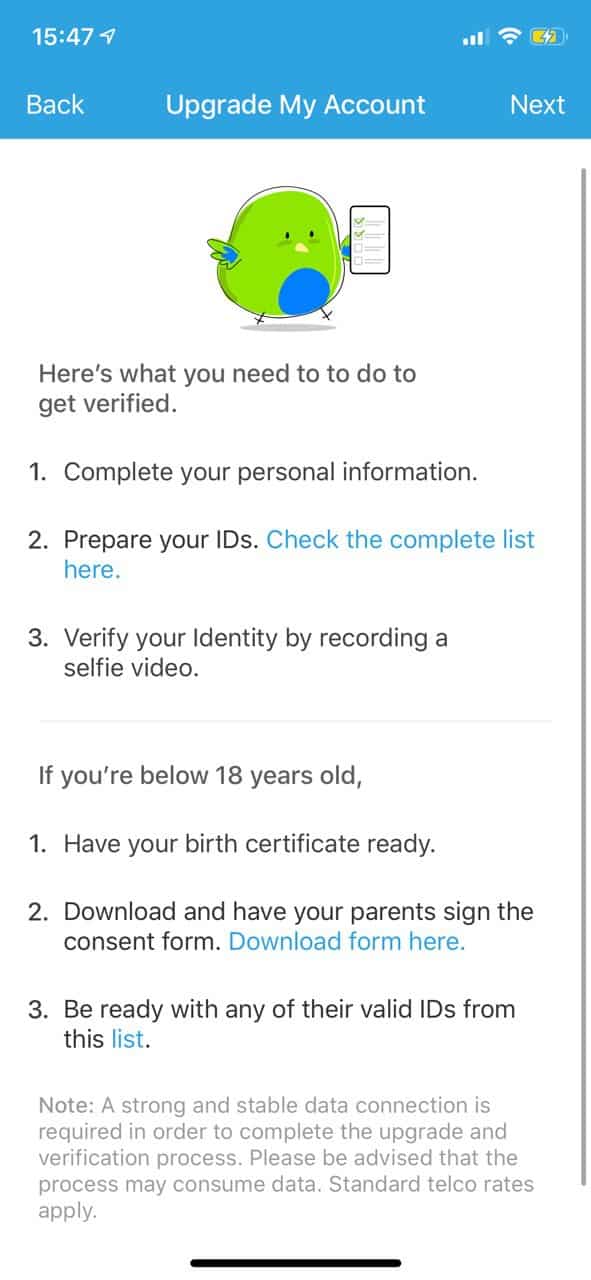
- Fill in your Personal Information and click Next
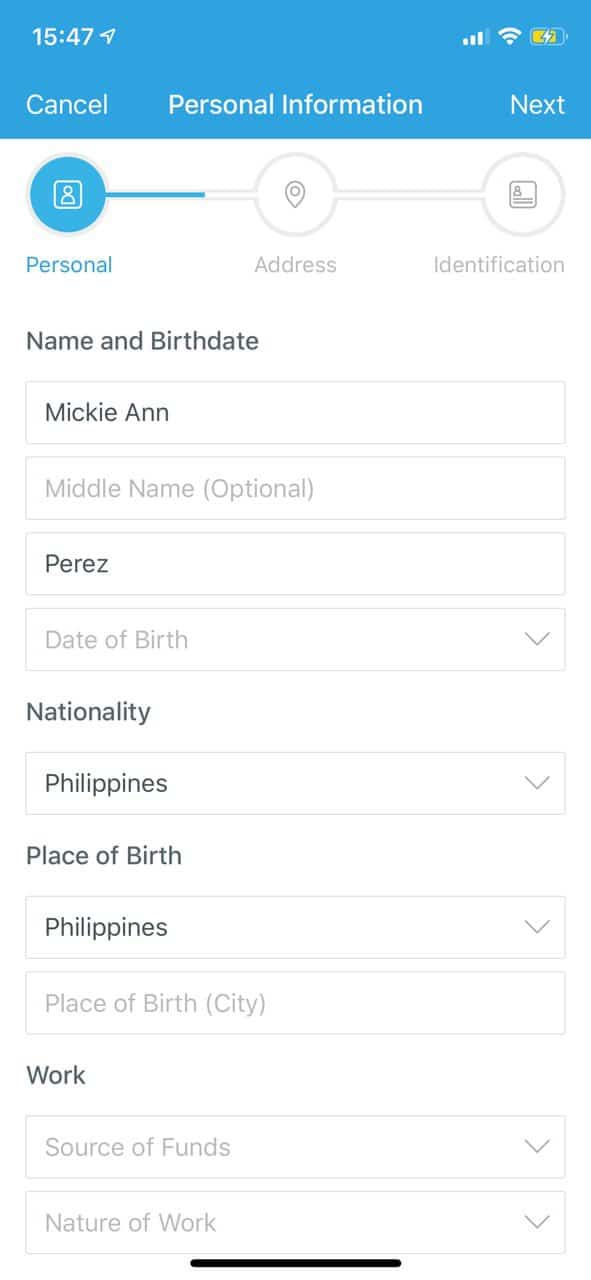
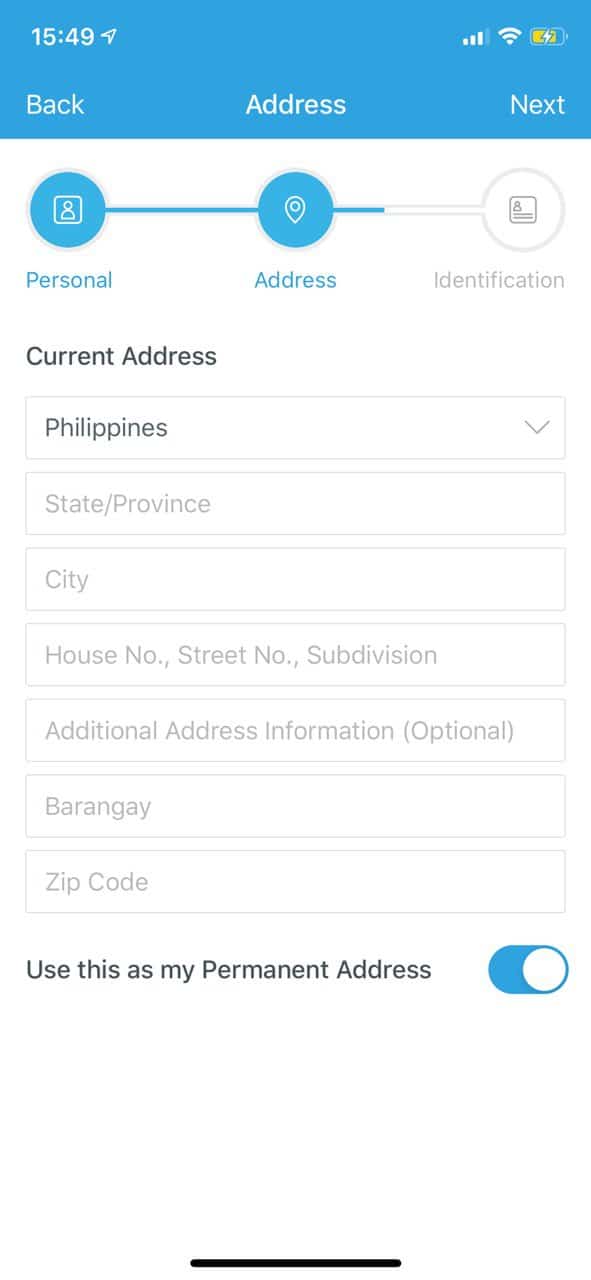
- Fill in your Address and click Next
- Lastly, perform the Identification step. You will be asked to upload a valid ID (requirements will be shown when you click ID Type). And a Liveliness video (selfie) as last step to proceed.
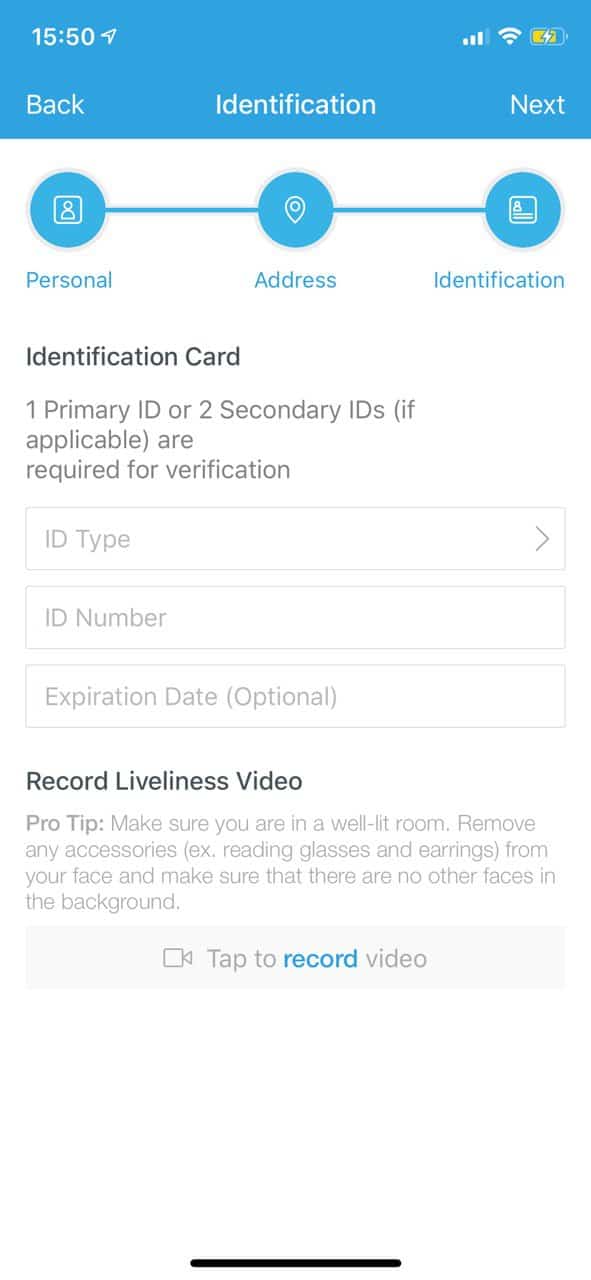
- You’re all done! You just need to wait for a confirmation message from PayMaya. You can be verified in less than 5 minutes! fast and easy.
You can now enjoy the features of your PayMaya wallet!
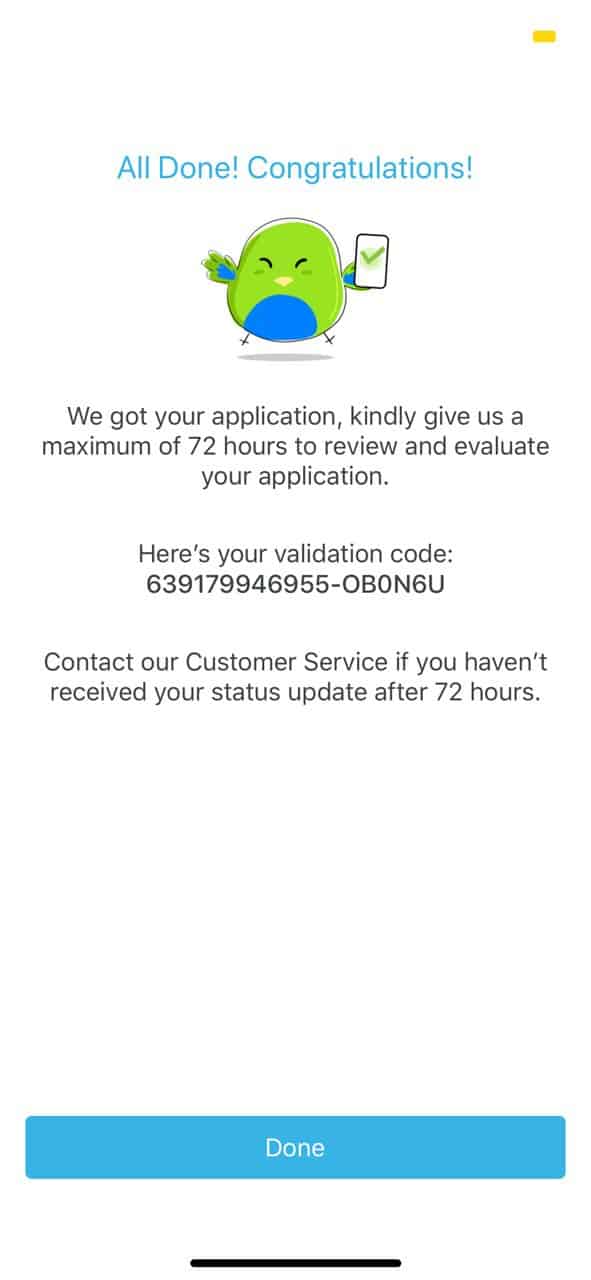
How to get a PayMaya virtual card?
- Click on My Cards and click Activate Now
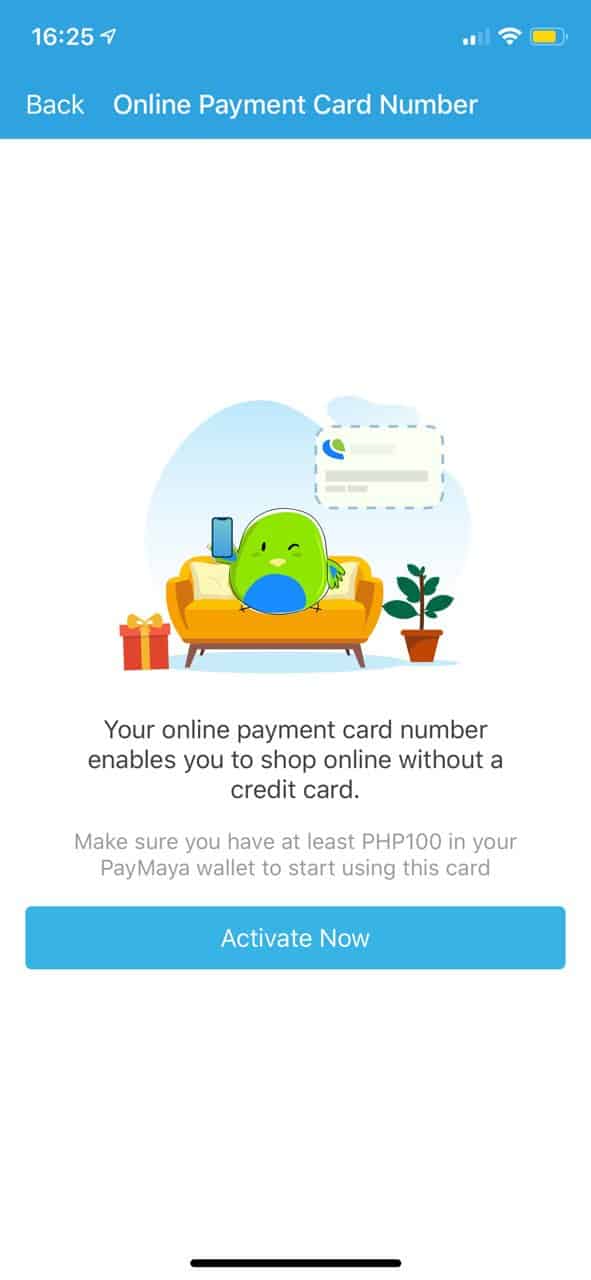
- You will receive a text message saying your virtual card is activated.
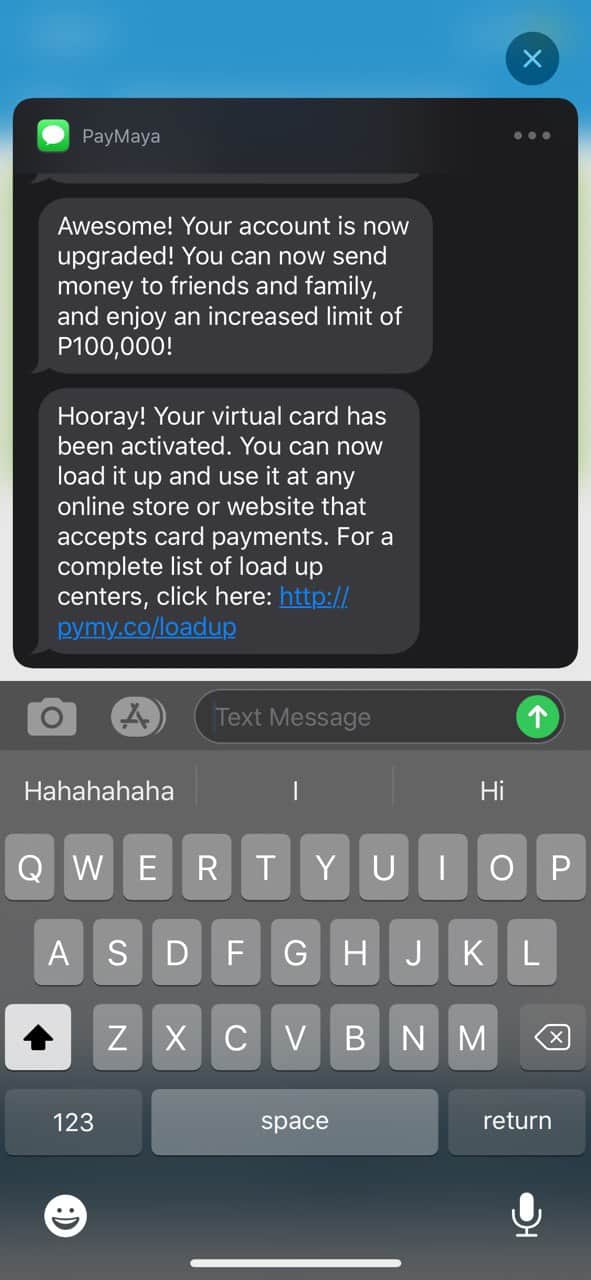
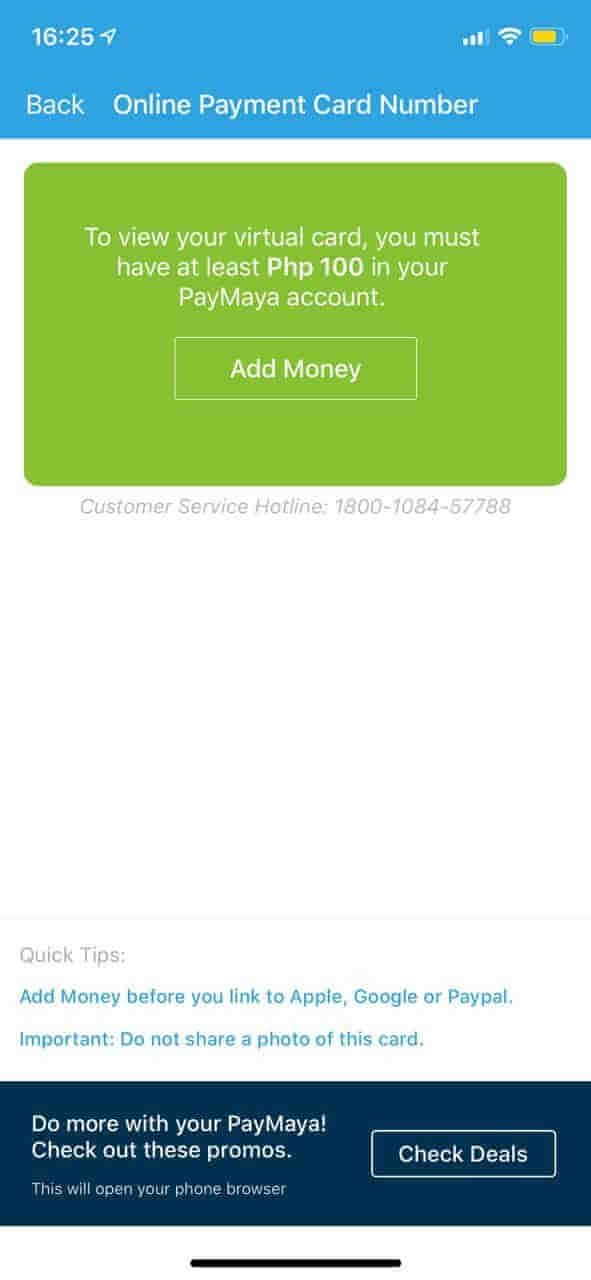
- Go back to My Cards and click on Online Payment Card Number. You will need to load up at least P100.00 to your wallet via Add Money options mentioned above.
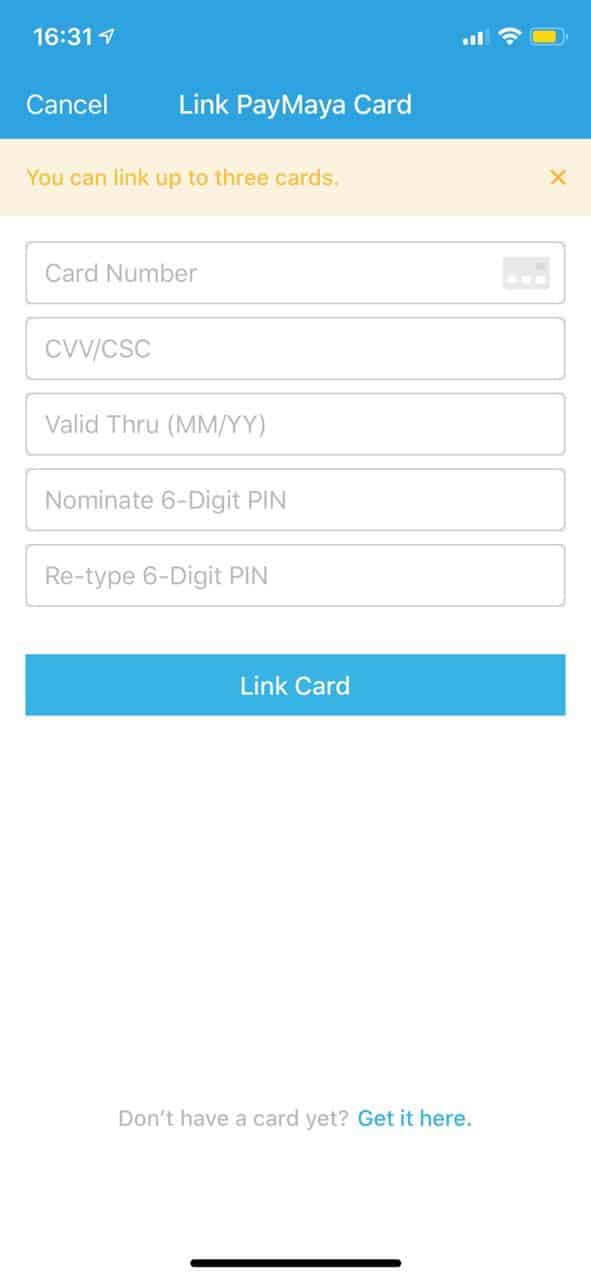
- If you have an existing PayMaya Card, you can link it to your mobile wallet. Enter teh card details and click Link Card. If you don’t have a card yet, get it here.
 The PayMaya app is very easy to use. Skip the long lines and let the app do the job. In one tap, you can pay your bills, government contributions and load up while enjoying your time with your family.