ONLINE: SSS Member contributions inquiry | Register

SSS Member contributions inquiry – check contributions online!
Government institutions are indeed a very busy sector but they make sure they are not behind when it comes to offering hassle-free service. Being reachable online is one of the easiest way to connect and help people. SSS is one of those who offers online service so members can check their contributions, loan status, and update profile.
Here are a few things to get you started with:
Sign up as a SSS online member here
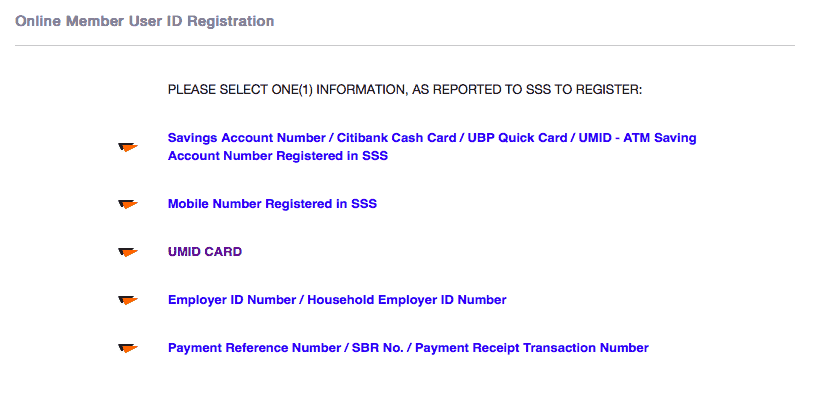
Select one of the following

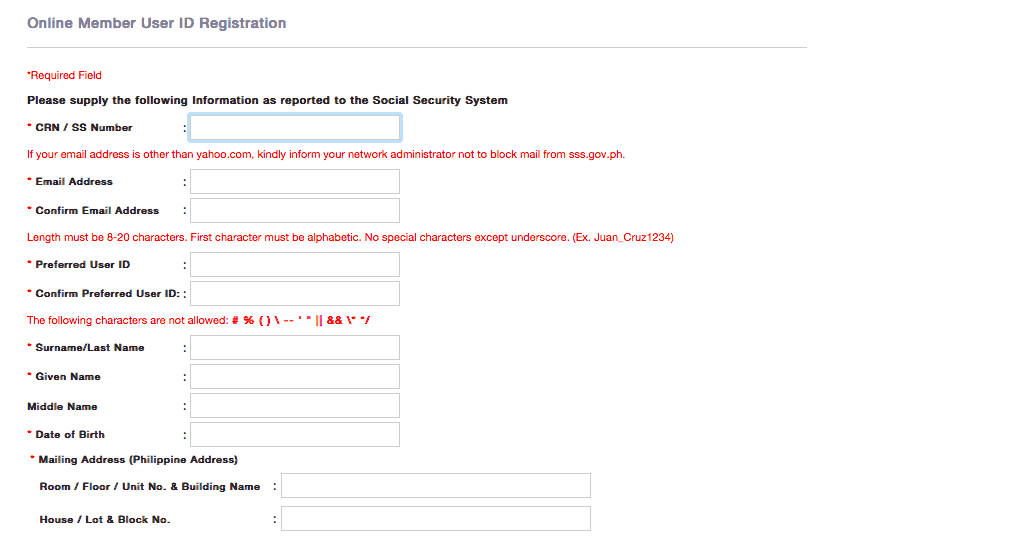
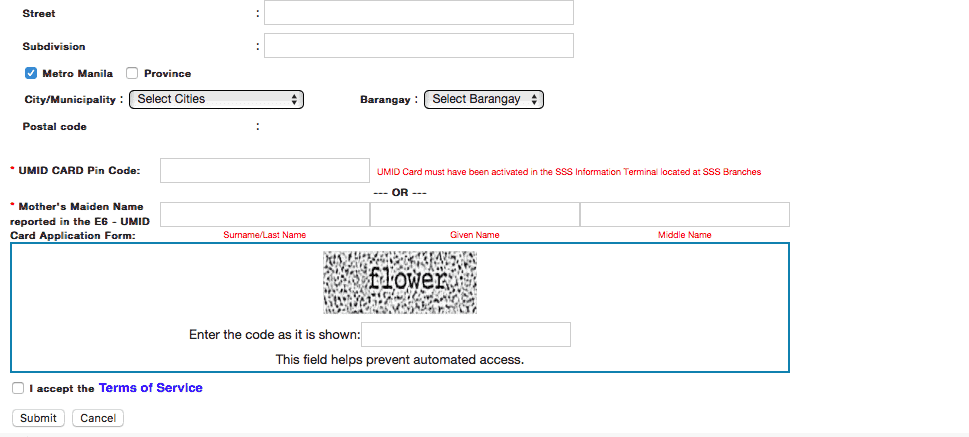
Complete all the details and click submit.


Follow steps after this page.
Make sure you have correctly entered your details to avoid problems. Once successful, you can conveniently view your SSS contributions and other information you need to know about your account.