Skip to content

Sulit Living! | Sulit Philippines

  • TRENDING
  • FOOD
  • WHERE TO?
  • TRAVEL
  • MUSIC
  • CARS
  • PETS
  • BUSINESS
  • TIPS
  • DEALS
  • CONTACT US
Sulit Living! | Sulit Philippines
Home / SULIT NEWS / Trending Topics / How to Lock your Facebook Profile and Fix Privacy Settings
Trending Topics

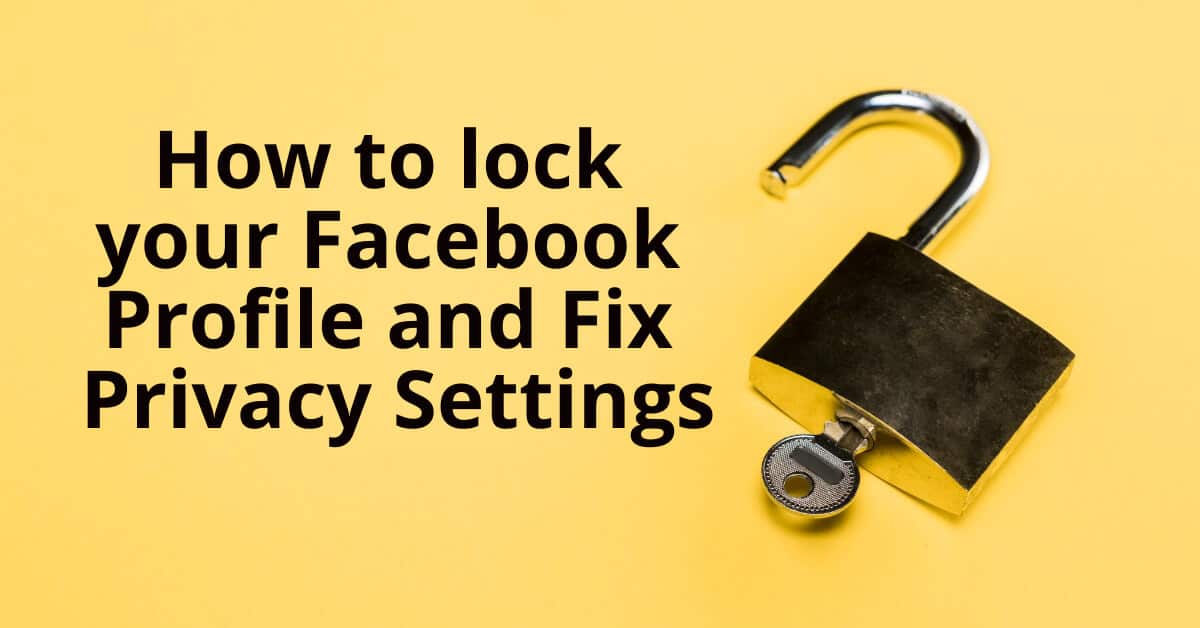
How to Lock your Facebook Profile and Fix Privacy Settings

ByAnton Sheker May 12, 2022August 11, 2023
fb protection

Share the story:

  • More

Facebook has become a major part of our lives. We share personal information, photos, and even our thoughts with friends and family through social media platforms. But did you know that you can also control who sees your posts?

You can choose to hide certain parts of your profile from everyone or only select groups of people. This way, you can control who gets to see what you post.

There are two ways to lock down your profile:

1) Lock down individual posts.

2) Hide entire profiles.

Here’s how to do both.

Lock Down Individual Posts

To lock down individual posts on your timeline, follow these steps:

Open the Facebook app on your phone.

Tap the three dots in the top right corner of the screen.

Select Settings.

Scroll down to Privacy Shortcuts.

Scroll down again until you find Locking down individual posts. Tap it.

On the next screen, tap Edit.

Under Who Can See Your Post, tap Hide From Everyone.

If you want to make sure no one else can view your post, then tap Hide From All except Friends.

If you don’t want anyone but your friends to see your post, then tap Only Me.

When you’re done, tap Save Changes at the bottom of the page.

Your post will now be hidden for all users except those listed under Who Can View Your Post.

Hide Entire Profiles

The easiest way to hide your entire profile is to go into settings, privacy shortcuts, and turn off the option to show your public profile. You won’t have to worry about locking down individual posts anymore.

But if you’d like to keep some of your private content visible, here’s another way to do it.

Open the Facebook app.

Tap the three dots in the upper-right corner of the screen. Select Settings.

Scroll down to Privacy Shortcuts and click Edit.

Under Profile Visibility, scroll down until you see Show My Public Timeline.

Turn this setting to Off.

Now when you open up your Facebook account, you’ll see just your name and cover photo.

This method works best if you want to keep some of your profile visible while hiding others.

Facebook is an amazing platform where we get connected to our friends and families. It’s important to understand that there are many things you can do to protect yourself online, including protecting your privacy.

Why Lock Your Profile

Facebook profiles are public, meaning anyone can see them. This means that if someone finds your profile, they could steal your personal information like your address, phone number, email, etc.

This also means that if someone finds a picture of you online, they could use it to create a fake account under your name.

So why would you want to lock your profile?

You’d want to lock your profile if you were worried about someone stealing your personal information.

You’d also want to lock your profile to protect your privacy.

And you’d want to lock your account to prevent other people from accessing your personal information.

There are several reasons why you should lock your profile.

Protect Yourself From Identity Theft

Identity theft happens when someone uses your personal information to open a fake account under your identity.

When you lock your profile, you’re protecting yourself from identity theft.

Privacy Protection

Locking your profile protects your privacy.

No one else can access your personal information unless you give them permission.

Security

Locking your profile makes it harder for hackers to break into your account.

Peace of Mind

Finally, locking your profile gives you peace of mind.

You can rest easy knowing that your personal information is safe.

Now that you’ve learned how to lock your facebook profile, you can start protecting yourself from identity theft and hacking.

Conclusion

In conclusion, if you have an account on Facebook, you might as well use it to its fullest potential. By signing into Facebook whenever you log onto your computer, you can see when your friends post updates, check their status, and even comment on their posts. But did you know that you can also control exactly what information you share with everyone else? To do this, review our steps above to secure your account from prying eyes!

fb protection

Share the story:

  • More
Post Tags: #facebook privacy#fb lock privacy#fb privacy setting#fix fb privacy#hide fb profiles#identity theft#lock down fb posts#lock facebook profile#lock fb profile#privacy protection#privacy settings facebook#protect fb account#red tagging#why lock profile

Post navigation

Previous Previous
Will Philippine Election Results match Google Trends?
NextContinue
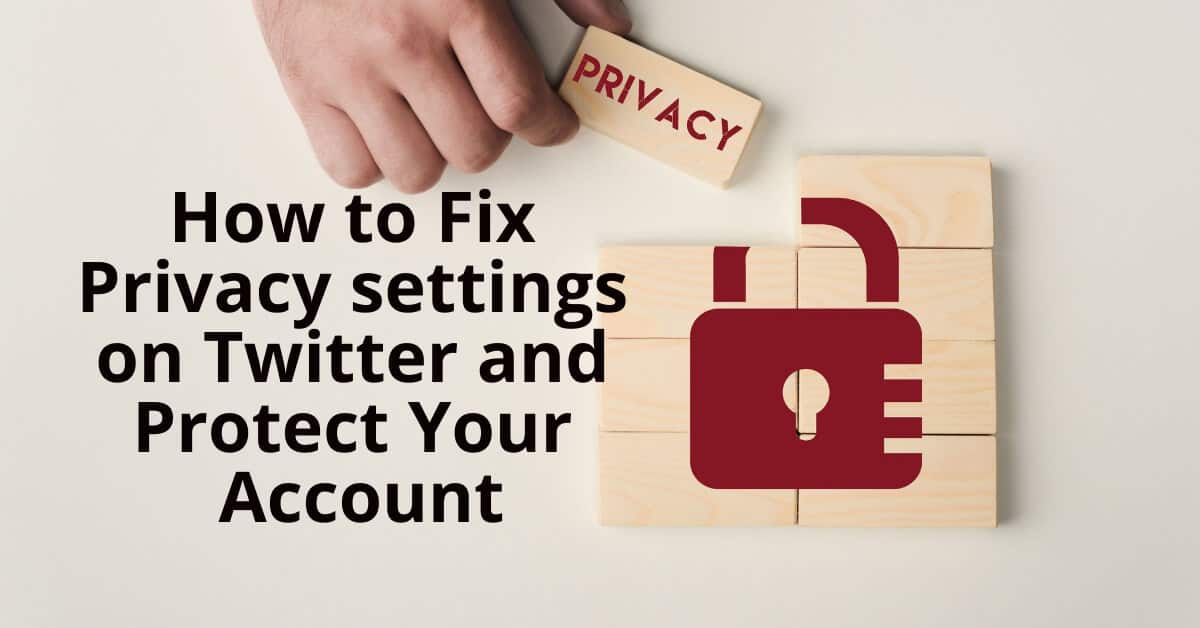
How to Fix Privacy settings on Twitter and Protect Your Account

What's Sulit!

POPULAR VIVAMAX MOVIES

Top 30 popular movies of Vivamax / VivaFilms rated and voted on IMDB

Tips for making a call to a landline using a #GLOBE prepaid number.

Tips: How to call a landline using #GLOBE & #TM prepaid numbers

Sulit Stories

How to Calculate Senior & PWD Discounts in the Philippines: Complete Formula Guide

How to Calculate Senior & PWD Discounts in the Philippines: Complete Formula Guide

Stacked coins beneath a lit bulb, symbolizing electric consumption and the potential to save with solar.

Discover How Much You Can Save with the Electric Consumption & Solar Savings Calculator ??

Rows of leafy green lettuce grow in pipes; use our Free Tool Aquaponics Calculator to Grow More efficiently.

Aquaponics Calculator – A Free Tool to Grow More with Less

Samsung Galaxy with colorful screen on an orange background inside a white circle.

Top Samsung Galaxy Smartphone Offers You Can’t Miss This Summer

Colorful wooden blocks on a wood surface spell BPO in bold black letters, symbolizing the dynamic career growth opportunities offered by BPO companies in Makati City.

42 Best BPO Companies in Makati City for Career Growth

Two men in black shirts, one with a mirror and the other pointing at his head, in a Clinique de Paris consultation room.

Clinique de Paris: The Destination for World-Class Hair Restoration with the DHI Technique

A smartphone and pen sit beside horizontal bars labeled Recruitment, Process, and Outsourcing on a white background, evoking the synergy of BPO operations in dynamic hubs like Bonifacio Global City.

150 Best BPO in Bonifacio Global City

In a bustling Metro Manila outlet store, a vibrant sign reads SULIT DEAL while blurred shelves loaded with treasures sit invitingly in the background.

71 Outlet Stores around Metro Manila for that Sulit Deal!

A plate of stir-fried noodles with beef, chicken, broccoli, and bell peppers being topped with soy sauce provides a mouth-watering experience. You can savor this delectable dish at one of the best restaurants in Robinsons Galleria.

41 Best Restaurants in Robinsons Galleria

Golden roasted chicken on a wooden board with herbs, reminiscent of the savory delights you'd find at the best restaurants around. A knife is placed beside it, ready to carve into this culinary masterpiece.

99 Best Restaurants in Trinoma Mall

Sulit Popular

How to Calculate Senior & PWD Discounts in the Philippines: Complete Formula Guide

How to Calculate Senior & PWD Discounts in the Philippines: Complete Formula Guide

Sulit Favorites

10 Best Movies to watch on Vivamax

10 Best Philippine Drama Movies of All Time!

TOP 10 FILIPINO SCARIEST MOVIES

25 Most Iconic OPM Songs to listen to

US, UK, PH Shoe Size Conversions

Learning Gay Lingo: A Starter Guide!

CTTO – Credits To The Owner: How To Properly Use It

© 2026 Sulit Living! | Sulit Philippines - Sulit Philippines

Senior / PWD Calculator

Aquaponics Calculator

Electric & Solar Savings Calculator

Sulit Horoscope

  • TRENDING
  • FOOD
  • WHERE TO?
  • TRAVEL
  • MUSIC
  • CARS
  • PETS
  • BUSINESS
  • TIPS
  • DEALS
  • CONTACT US

sulit online

Facebook Twitter Instagram Email Google Reviews TikTok Spotify RSS YouTube Vimeo Linkedin